MOT Type 1 Calculator
Calculate how much MOT Type 1 sub-base you need from the area and finished compacted depth, then convert the result into a practical quantity to order.
Show calculation
- Planning density: 2,100 kg/m³
- Ordering allowance: 10%
- Bulk bag weight: 800 kg
- Bulk bag quantities are rounded up to whole bags.
- Results are planning and material estimates only.
Important calculation assumptions
- Entered depths are treated as finished compacted depths.
- The required sub-base depth can vary with ground conditions, loading, construction method and project specification.
- Base material requirement is calculated from compacted volume and planning density before the ordering allowance is added.
- Ordering allowance covers variations in depth, uneven ground, waste and ordering contingency. It is not an additional compaction factor.
- Advanced additional areas are calculated individually using their own areas and compacted depths before being combined.
- The default density is a planning estimate. Actual material density can vary by supplier, grading, moisture and degree of compaction.
- Use your supplier’s stated material density and bulk bag weight where available.
- Coverage per tonne is based on the selected main compacted depth and planning density.
- Actual supplied weight is calculated from the whole number of bulk bags multiplied by the selected bulk bag weight.
- Surplus after bag rounding is the difference between the recommended order requirement and the actual weight supplied in whole bulk bags.
- When pricing per tonne, cost is based on the recommended order weight. When pricing per bulk bag, cost is based on the whole number of bags required.
- Cost estimates exclude delivery, labour and other charges.
Use this MOT Type 1 calculator to estimate how much sub-base you need for a driveway, patio, path, hardstanding or similar project. Enter the area and finished compacted depth to get the approximate weight required and a practical quantity to order.
You can measure a rectangular area using length × width or enter the total area if you already know it. The calculator works with metric and imperial measurements and can also convert the result into whole bulk bags.
For areas that need different sub-base depths, switch to Advanced mode. You can calculate each section separately and adjust the material density and bulk-bag weight to match your supplier. For a separate gravel or decorative aggregate layer, use the aggregate calculator and calculate that layer separately.
PRO TIP: If your supplier gives a bulk-bag weight or density for the MOT Type 1 you’re buying, enter those figures in Advanced mode rather than relying on the calculator defaults. For the best estimate, measure the area after excavation where possible, as even a small difference in depth can add a surprising amount to the total weight.
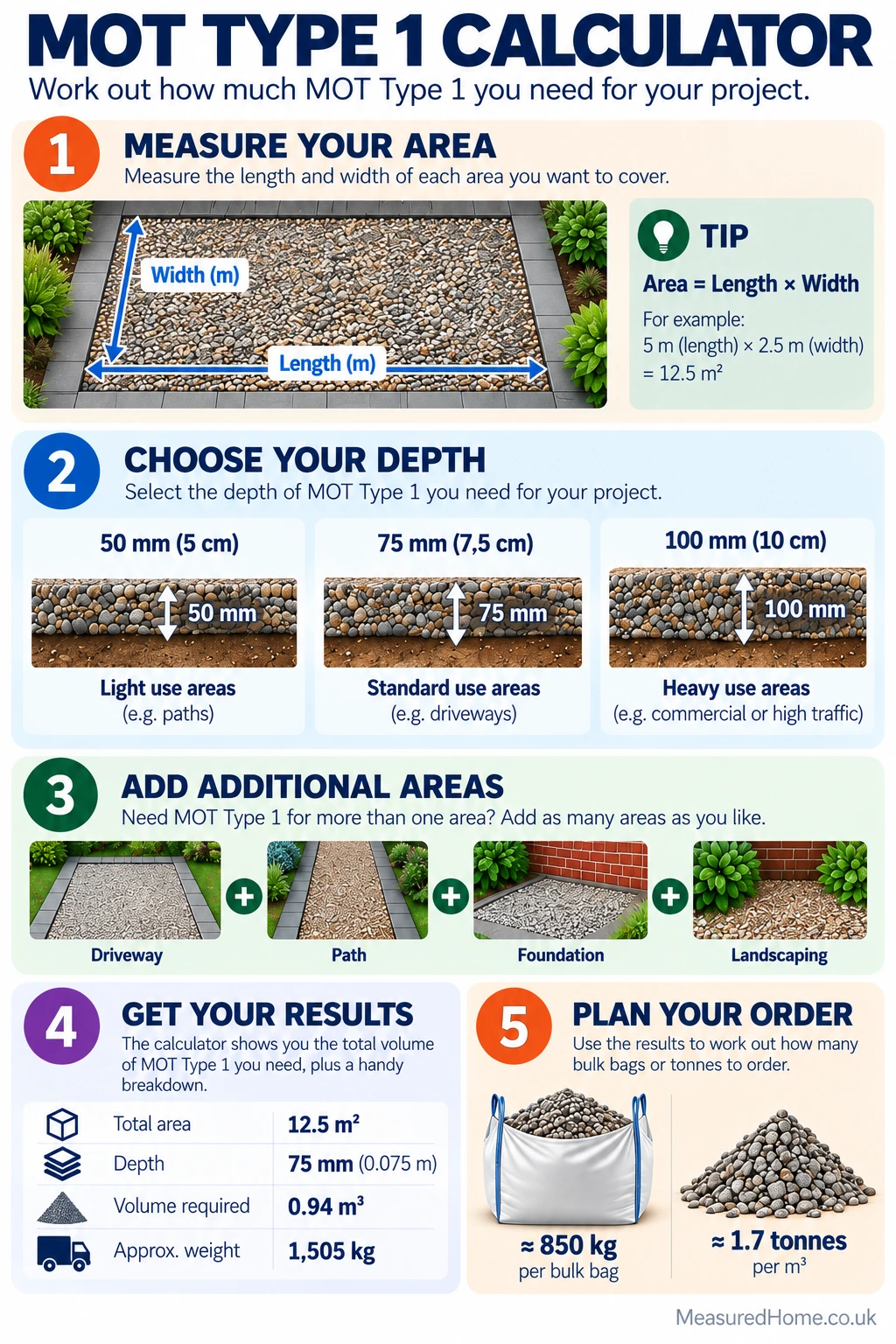
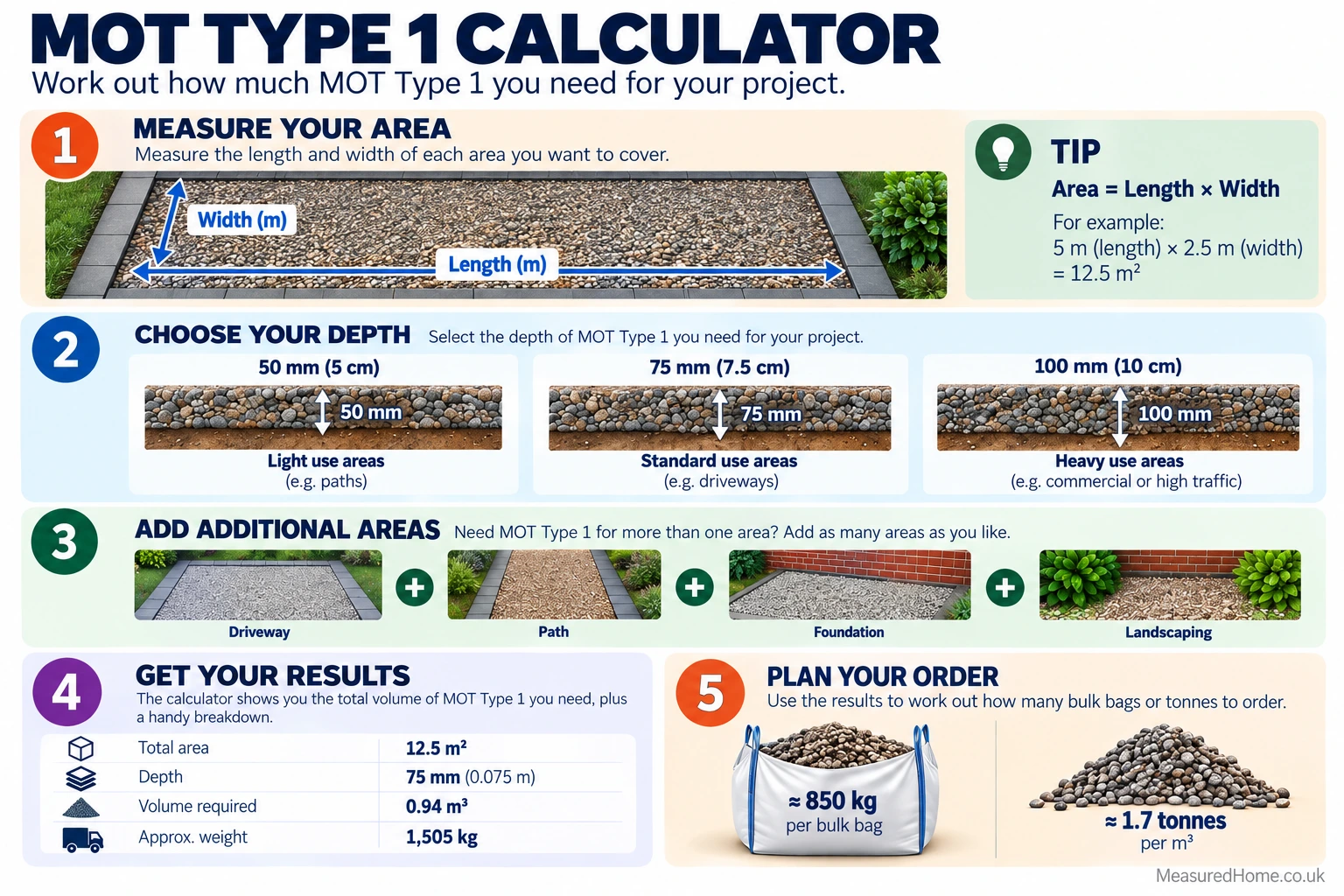
How to use this MOT Type 1 calculator
Enter the area. For a rectangular area, enter the length and width. Each measurement can use millimetres, centimetres, metres, feet or inches. If you already know the surface area, choose Known Area and enter it in square metres (m²) or square feet (ft²).
Set the finished compacted depth. Choose one of the preset depths — 50 mm, 75 mm, 100 mm, 150 mm or 200 mm — or select Custom Depth and enter your own value. The depth entered is treated as the finished compacted depth of the MOT Type 1 layer, not the loose depth before compaction.
Choose an ordering allowance. The calculator starts with a 10% extra allowance. The calculator starts with 10% extra to allow for uneven ground, variations in depth, waste and a little ordering contingency. This is added to the calculated material requirement and is not a separate compaction factor. Set it to 0% if you don’t want to include any extra material.
Add a price if required. If you want a cost estimate, enter your supplier’s price per tonne or per bulk bag. Bag pricing is based on the whole number of bags you would need to order.
Use Advanced mode for more complex areas. Advanced mode lets you add separate areas where the sub-base will be laid at a different compacted depth. Each additional area has its own area and depth, and the calculator combines their volumes with the main area. You can also replace the default 2,100 kg/m³ planning density and 800 kg bulk-bag weight with supplier-specific figures.
Understanding Your Results
- The main figure to use for ordering is MOT Type 1 to Order. This is the calculated material requirement plus your chosen ordering allowance.
- If you’re buying bulk bags, the calculator rounds up to the next whole bag. Actual Supplied Weight shows how much material those bags contain, while Surplus After Bag Rounding shows how much this exceeds the calculated requirement.
- The Base Material Requirement is the estimated weight before any ordering allowance is added. Coverage per Tonne shows the approximate area one tonne would cover at the depth selected for the main area.
- If you’ve entered a price, the estimated material cost is based on either the recommended tonnage or the whole number of bulk bags, depending on the pricing option selected.
How the Maths Works
The calculator converts all measurements to metres or square metres before carrying out the calculation. For a rectangular area, the surface area is length × width. A known area is converted directly to square metres.
Compacted volume (m³) = area (m²) × finished compacted depth (m)
Base material weight (kg) = compacted volume (m³) × planning density (kg/m³)
Allowance weight (kg) = base material weight × allowance percentage
Recommended order weight (kg) = base material weight + allowance weight
Bulk bags required = recommended order weight ÷ bag weight, rounded up to the next whole bag
Coverage per tonne (m²) = (1,000 ÷ density) ÷ main compacted depth in metres
In Advanced mode, each area is converted to its own compacted volume using its individual depth. The volumes are then added together before density and the ordering allowance are applied.
Example: a 24 m² area at a finished compacted depth of 100 mm has a compacted volume of 2.4 m³. At the default planning density of 2,100 kg/m³, the base requirement is 5,040 kg. With the default 10% allowance, the recommended order becomes 5,544 kg, or 5.544 tonnes. Using the default 800 kg bag weight, this rounds up to 7 whole bulk bags, supplying 5,600 kg.
Common Mistakes to Avoid
- Using loose depth instead of compacted depth. Enter the finished compacted depth you need, not the depth of the material before it has been compacted.
- Entering the wrong units. Check the unit selected next to each measurement, particularly if you’re working from dimensions in both metric and imperial units.
- Assuming every bulk bag is 800 kg. Bag weights vary between suppliers, so check the product you’re buying and change the bag weight in Advanced mode if necessary.
- Using one depth for the whole project when the build-up varies. If different sections need different sub-base depths, calculate them separately using Advanced mode.
- Ordering before checking the required sub-base depth. The calculator works out the quantity from the depth you enter; it doesn’t determine what depth is suitable for the project.
MOT Type 1 Calculator FAQs
What depth of MOT Type 1 should I use?
There isn’t one MOT Type 1 depth that’s right for every job. The required depth will depend on what you’re building, the ground underneath it and the loads it needs to carry. The calculator includes preset depths from 50 mm to 200 mm plus a custom option, but you should enter the depth required for your project rather than treating a calculator preset as a recommendation.
Should I allow extra MOT Type 1 when ordering?
An allowance can help cover variations in excavation depth, uneven ground, waste and ordering contingency. This calculator defaults to 10%, but the field is adjustable from 0% to 100%. Choose an allowance appropriate to the site and how accurately the area and depth can be controlled.
How many bulk bags of MOT Type 1 will I need?
The calculator divides the recommended order weight by the selected bulk-bag weight and rounds up to the next whole bag. It then shows the actual supplied weight and the surplus created by whole-bag rounding.
Can I calculate different areas at different depths?
Yes. Switch to Advanced mode and add additional areas. Each additional area is entered with its own area and compacted depth, then its volume is combined with the main area for the overall material calculation.
What density does the MOT Type 1 calculator use?
The default planning density is 2,100 kg/m³. In Advanced mode, you can change this to a supplier-provided figure. Actual density can vary with the product, grading, moisture and degree of compaction.
Why is the bulk-bag quantity higher than the tonnes I need?
Bulk bags are ordered as whole bags, so the calculator rounds the number of bags up to make sure you have enough material. This can mean the actual supplied weight is slightly higher than the recommended tonnage. The calculator shows this difference as the “Surplus After Bag Rounding”.
related calculators
Aggregate Calculator
Concrete Patio Calculator
Concrete Driveway Cost Calculator
Disclaimer
This calculator provides an estimate for planning and ordering. Results depend on the measurements and settings entered, and actual material density and bulk-bag weights can vary between products and suppliers.
Depths should be entered as finished compacted depths. The calculator does not determine the correct sub-base specification for your project; required depths and construction details will depend on the ground conditions, expected loading and project design.
Check your supplier’s product information before ordering. Cost estimates cover the material only and do not include delivery, labour or other charges.